Brand Your Art: A Customer Creativity Contest for Restaurants and Book Launch
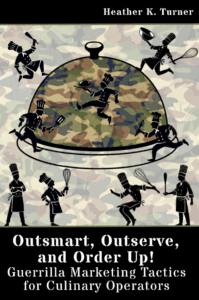 Outsmart, Outserve and Order Up!: Guerrilla Marketing Tactics for Culinary Operators was just published, and I thought I’d share a sample chapter from the book. 50% of net profits from the sale of each book will be donated to our local New Hampshire food pantries.
Brand Your Art: A Customer Creativity Contest
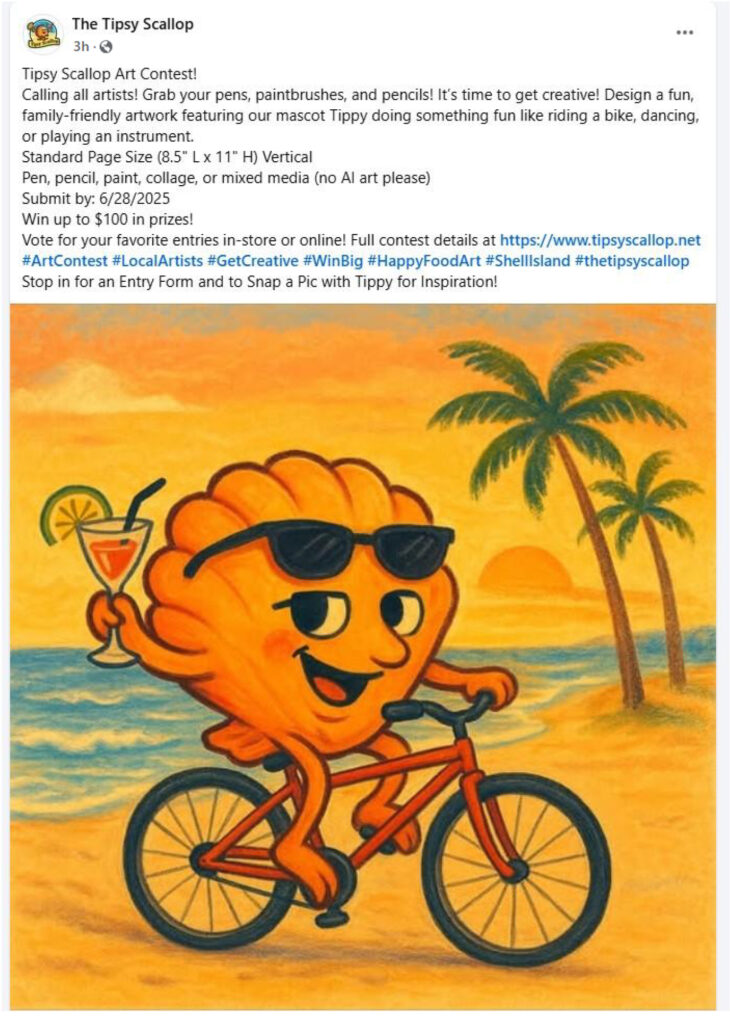
Encourage your customers to tap into their artistic side by creating a standard page-sized artwork featuring your business logo, mascot or image or character within your logo. This logo, mascot or food character can be riding a bicycle, playing a musical instrument, dancing, or engaging in any other fun, whimsical activities.
Sample Submission Guidelines: (examples)
-
Artwork must be standard page size horizontal (8.5″L x 11″ W) or size of your choosing.
-
Mediums allowed: pen, pencil, paint, collage, or mixed media. (as long as it can fit within a frame)
-
The business logo or mascot must be incorporated in the artwork in some form.
-
Bonus: if you have brand colors you use for your business, ask participants to use those colors. (And give them the digital and print color codes RGB, CMYK or Pantone.)
-
The logo, mascot or food character must be performing a fun activity. (keep it family friendly please)
-
Limit of one submission per entrant.
-
Submission deadline: [Insert Date]
You will need to have an enlarged version of the logo or mascot, (this could be regular page size) posted somewhere and encourage people to snap a picture of it so they can recreate it for artwork. Also think about how you want entries submitted, Via email? Dropped off? Other?
Voting Process: (examples)
-
Display entries in the restaurant on a designated wall and on social media. Very inexpensive frames can be obtained from the Dollar Tree or other discount stores, or online retailers, to keep costs down.
-
Customers can vote in-store by placing a ticket in a designated voting box or online via social media reactions.
-
Voting period: [Insert Date Range]
-
Top three artworks with the most votes win.
Prizes: (examples)
1st Place: $100 gift card (or other prize/incentive)
2nd Place: $50 gift card (or other prize/incentive)
3rd Place: $25 gift card (or other prize/incentive)
You could do this on a monthly or quarterly basis and just have “one” theme, ie mascot riding a bicycle, next month is mascot surfing, etc. and just keep the top three from each month up permanently and as additional ones are done, and more wall space is needed just keep the 1st place winners up long term.
Promotion:
-
Use posters, table tents, and social media posts to promote the contest.
-
Feature the winning artworks prominently in the restaurant and online.
-
Consider making limited-edition merchandise (like t-shirts or tote bags) featuring the winning designs. You need a signed agreement with the original artist.
Sample Promotional Flyer: Food Adventure Art Contest
Get Creative & Win Big!
Show off your artistic talent in our Food Adventure Art Contest! We’re looking for fun, family-friendly artwork that features our “logo, mascot, or a food character” engaging in a fun activity like riding a bike, playing an instrument, or dancing!
Submission Guidelines: (sample)
-
Example: Artwork must be 8.5″ L x 11″ W horizontal (standard page size).
-
Mediums allowed: pen, pencil, paint, collage, or mixed media (as long as it can fit within a frame). (No AI art please, we can tell).
-
Our “logo, mascot, or a food character” must be incorporated in some form.
-
Keep it family-friendly, please.
-
Limit one entry per participant.
-
Submission Deadline: [Insert Date]
Voting Process: (sample)
-
Entries will be displayed on a designated wall in the restaurant and on our social media pages (if applicable).
-
Vote in-store by dropping a ticket in the voting box or online by liking your favorite artworks!
-
Voting Period: [Insert Date Range]
Prizes: (sample)
1st Place: $100 gift card (or other prize/incentive)
2nd Place: $50 gift card (or other prize/incentive)
3rd Place: $25 gift card (or other prize/incentive)
Get Involved: (sample)
-
Monthly or quarterly contests, each with a new theme (e.g., mascot surfing, mascot dancing, mascot eating).
-
Winning artworks stay up all year, with 1st place pieces displayed long-term!
-
Consider submitting every month for a chance to have your art featured on limited-edition merch!
-
Ready, Set, Draw! Submit your artwork by [Insert Date] for your chance to win and be featured!
Prep List:
-
Choose the art theme (e.g., mascot/logo biking, dancing, cooking, etc.).
-
Finalize submission deadline and voting period dates.
-
Determine allowed artwork size (e.g., 8.5” x 11”, portrait or landscape orientation).
-
Set guidelines for acceptable mediums (pen, pencil, paint, collage, etc.). Do you want to allow AI?
-
Require inclusion of logo, mascot, or food character in the artwork.
-
Decide on the submission method (in-person drop-off and/or email submission).
-
Post a large version of your logo/mascot for participants to reference or photograph.
-
Create a digital flyer with all contest details.
-
Write a short set of rules (“1 entry per person” and “family-friendly content only” etc.).
-
Purchase low-cost frames for displaying art (Dollar Tree or similar).
-
Designate a voting wall area inside the restaurant.
-
Create a labeled voting box with entry tickets.
-
Plan for social media voting (use “like” or “reaction” counts).
-
Choose and announce the number of winners (e.g., top 3 by votes).
-
Determine and budget for prizes, Examples:
-
1st Place – $100 gift card (or custom prize)
-
2nd Place – $50 gift card
-
3rd Place – $25 gift card
-
-
Prepare any physical prizes or certificates in advance.
-
Design and print posters for in-store display.
-
Create table tents or inserts for menus.
-
Promote via:
-
Website
-
Facebook / Instagram / Other Socials
-
Email newsletter
-
-
Schedule reminder posts leading up to submission deadline
-
Encourage staff to mention the contest to customers.
-
Plan for monthly or quarterly contests with changing themes.
-
Keep all 1st place winners displayed long-term.
-
Feature winners in a social media spotlight post.
-
Explore turning winning entries into limited-edition merchandise (T-shirts, totes, etc.).
-
Announce winners online and in-store.
-
Reward participants and thank them publicly.
-
Archive submissions digitally (consider a social media highlight or gallery on your website).
-
Refresh the contest theme and restart the cycle if recurring.
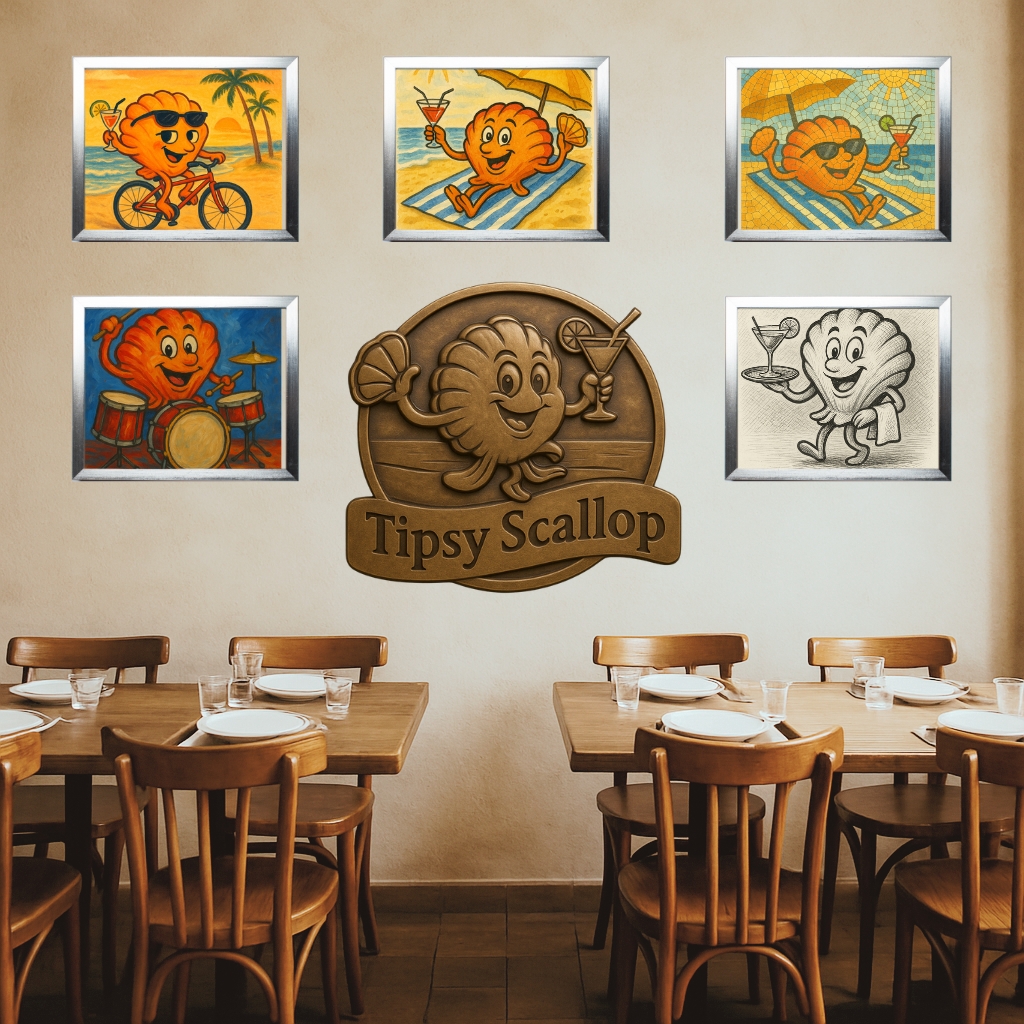
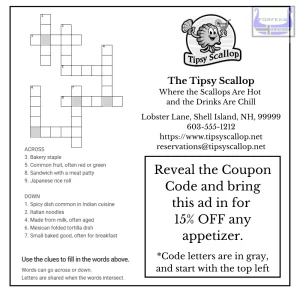
*ChatGPT was used to create the restaurant setting above and the images based on the restaurant logo. Canva was used to put everything together.